Most modernization plans spend their pages on the application: which workflows move first, what the new stack looks like. The data gets one line near the end, usually "migrate data" with a date next to it. Then the date arrives, and the team discovers that the data is the project.
If you run a core system on Rails, Java, .NET, PHP or Django, its database is where the business actually lives. Years of invoices, policies and corrections sit there, shaped by rules nobody wrote down. Moving that data once is hard enough. Keeping two systems in agreement while both are live, and proving to finance that the numbers still add up, is harder.
The takeaway is simple. Treat data cutover as its own workstream, with its own owner, plan and acceptance criteria. Decide early how the two systems will stay in step, and reconcile the reports your business runs on before the first live write moves.
Migration and synchronization are two different jobs
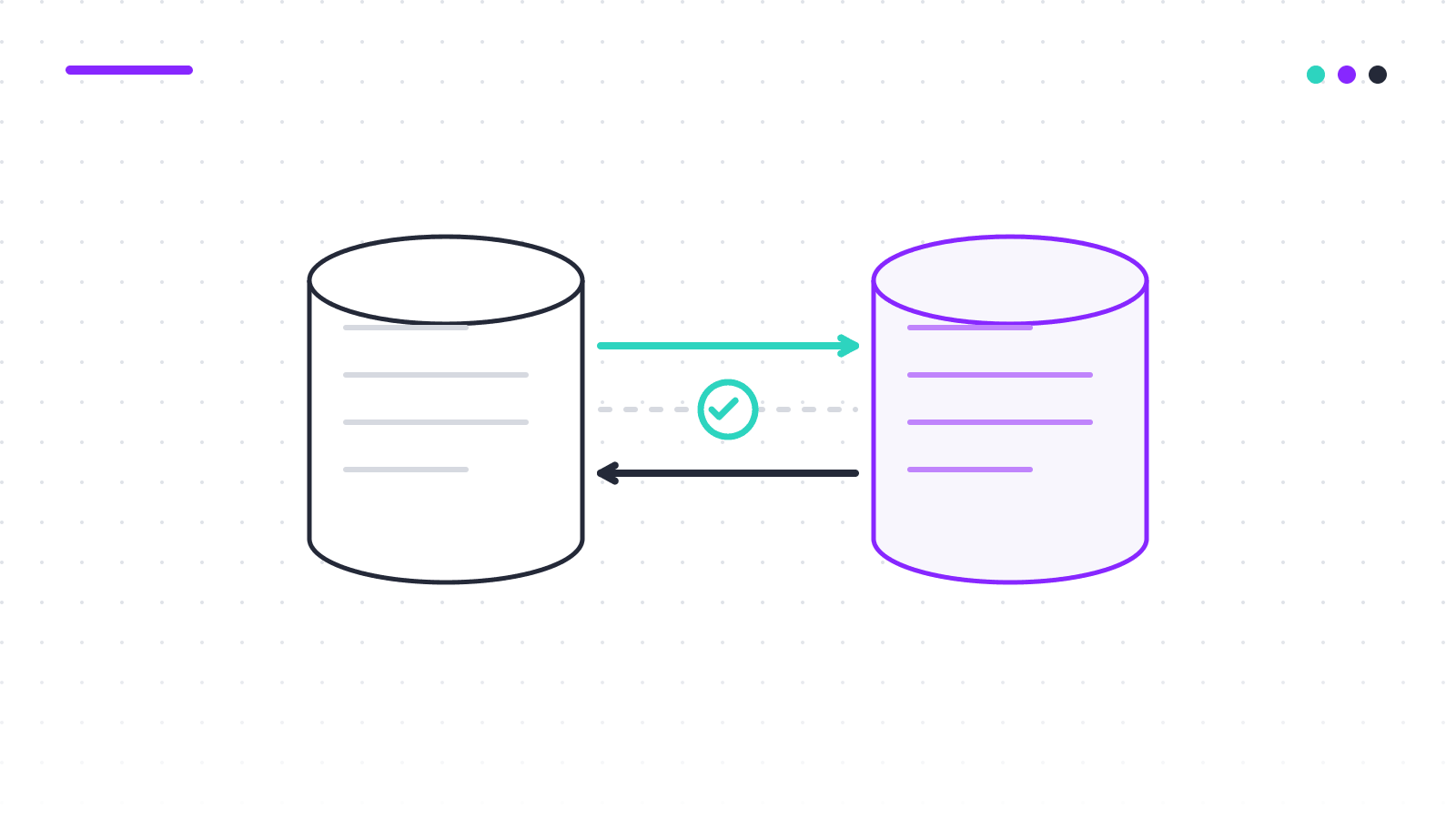
Data migration is a one-time move: copy the records from the current system into the new one, in the new shape. Data synchronization is a continuing relationship: for as long as both systems are live, changes in one have to show up in the other. A big-bang rewrite only needs the first. An incremental renewal, where workflows move one at a time and the strangler fig pattern keeps the current system serving, needs both. The second is where most of the risk sits.
A migration can be rehearsed and repeated until it is clean. Synchronization runs in production for months, under load, with customers writing on both sides. It needs monitoring, conflict rules and a way to know when the two copies have drifted. "We'll copy the database over a weekend" is a migration plan. It isn't a cutover plan.
The six decisions a data workstream has to own
In our experience, the data work on a renewal breaks into six parts. Each needs a named owner and a written answer before the first workflow goes live.
- Mappings. Which field in the current schema becomes which field in the new one, with rules and exceptions written down. This is where undocumented rules surface, like the status code that means three things depending on a date.
- Backfill. How historical records get into the new store, in what batches, and how you verify it is complete.
- Ongoing sync. How changes made after the backfill reach the other side, and with what delay.
- Write ownership. For each entity, which system is the source of truth at each stage. Two systems that both believe they own a record will disagree eventually.
- Reconciliation. How you prove the two copies agree: counts, totals, and the reports the business already trusts.
- Rollback. What happens to data written in the new system if you have to route traffic back.
The first two are familiar from any migration. Let's see why the other four decide the cutover.
Three ways to keep two systems in step
Dual-write
The application writes every change to both databases. It is the quickest to build, so it is the default on most projects. Stripe described the four-step version in Online migrations at scale: dual-write, switch reads, switch writes, remove the old data. It works, but it puts the burden on application code.
The weakness is well documented. Martin Kleppmann's "why dual writes are a bad idea" walks through it: if the first write succeeds and the second fails, or two requests race, the copies diverge and nothing tells you. Dual-write is acceptable for a short window with reconciliation alongside, and a poor choice as the only mechanism over months.
Change data capture
Change data capture (CDC) reads the database's own transaction log and publishes each committed insert, update and delete as an event. Debezium is the common open-source implementation, with connectors for PostgreSQL, MySQL, SQL Server and Oracle. Because it works from the log, it sees every committed change, including those made by background jobs, scripts and the administrator who fixes a record by hand on a Friday afternoon.
The trade-off is operational. CDC adds infrastructure, and Debezium's FAQ says plainly that consumers must expect events at least once after a failure, so the receiving side needs idempotent writes. In return, the sync path doesn't depend on application code being perfect. For one-way sync from the current system to the new one, CDC is usually the right default.
Batch reconciliation
A scheduled job compares the two stores and reports or repairs differences. On its own it is too slow for live sync. As a safety net under either of the other two, it is essential. It catches what dual-write missed and a CDC consumer dropped, and produces the evidence an auditor will ask for. A practical plan usually combines CDC for continuous sync with batch reconciliation as the independent check.
Reconcile the reports before the first live write moves
Row-level comparison tells you whether records match. It doesn't tell you whether the business would notice if they didn't. For that you need the reports people already rely on, and the hardest is usually month-end close. APQC's open benchmark puts the median monthly close at 8 days across more than 3,000 companies. Add a reconciliation problem to that week and finance will feel it first.
This is the data side of what Sam Newman calls a parallel run: both implementations handle the same input, one stays the source of truth, and you compare. Zalando's write-up of the pattern gave each endpoint its own consistency threshold, because the last fraction of a percent costs more than it returns. Agree the report tolerance with finance the same way, before you start.
Here is how we'd run it for a billing workflow, with illustrative figures.
- Agree the report set with finance. Say: invoiced revenue by product line, accounts receivable aging, deferred revenue, and sales tax by jurisdiction, for the month just closed. These become the acceptance criteria.
- Run both systems against the same closed period. With backfill and sync complete, generate the four reports from each system for the same period boundary.
- Compare totals first, then dimensions, then rows. Suppose invoiced revenue matches to the cent across 48,000 invoices, but one product line is $1,318.40 higher in the new system and another is lower by exactly that amount. That isn't a calculation error. It's a mapping error: a product code on the wrong line.
- Classify every difference. Mapping, timing (a record captured on one side after the cutoff), rounding, or a defect in the current system that the rebuild quietly fixed. That last category needs a business decision, not a code fix.
- Fix, re-run, and keep the output. Repeat until the reports agree within the signed tolerance. That record is what lets you say the first cohort can move.
A few years ago, on an insurance client's policy administration system, the rebuilt premium calculation matched on every policy we sampled. The month's written-premium total was still off by a few hundred dollars: the current system rounded per installment, the new one per policy. Row sampling would never have found it; the monthly total did. That is why totals come first.
What rollback means once data has moved
Routing traffic back to the current system is a configuration change. Routing the data back is not. If a cohort has been writing to the new system for a week, those writes have to exist in the current system before you send them back, or customers will watch their orders disappear.
Three rules keep rollback real. Run sync in reverse for every workflow that has moved, until the move is permanent. Test the rollback on a small cohort before you need it. Write down the data condition for rollback: "reverse sync lag under a minute and reconciliation clean for the last period" is a usable gate. "We'll check" isn't.
TSB's 2018 migration is the cautionary case. The bank's statement on the independent review notes that every customer account was transferred "to the penny", and the aftermath was still months of disruption, because the main migration was a single weekend event with no way back. Correct data is necessary. It is not the same as a safe cutover.
Where Fabrica stands
Fabrica's CLEAR method treats data cutover as a separate workstream from the start. Capture reads the schema and maps report and ETL lineage to business outputs, so mappings begin from evidence rather than memory. Attest reconciles totals and reports against the running system before any traffic moves, and Release pairs each cohort step with a data transition plan and a rollback tested before it is needed. The method page and FAQ describe the approach; the engineering page lists what your team can verify.
Plan the data as if it were the project
The application rebuild is the visible work. The data work decides whether the rebuild can go live, and whether finance trusts the first month's numbers afterwards. Give it an owner, the six decisions in writing, a sync mechanism chosen for the time it has to run, and a reconciliation against the reports your business already uses. Then move the first cohort.
Questions to ask before the first live write moves
- Which system owns writes for each entity at each stage, and where is that written down?
- Which reports does finance need to see reconciled, and to what tolerance, before a cohort moves?
- If we route a cohort back, how do the writes they made in the new system get home?
- Who runs the reconciliation independently of the team doing the rebuild?